External Integrations
Secure60 connects to a wide range of applications, operating systems, and infrastructure. Whether you need to ingest logs from servers, network equipment, cloud services, or AI platforms, the Secure60 integrations team is your best contact for guidance and custom onboarding. They can help you choose the right approach and get set up quickly.
For a complete list of the applications, services, and devices we integrate with, see External Providers and Services. The sections below focus on the most common integration scenarios and point you to the right guides and technology docs.
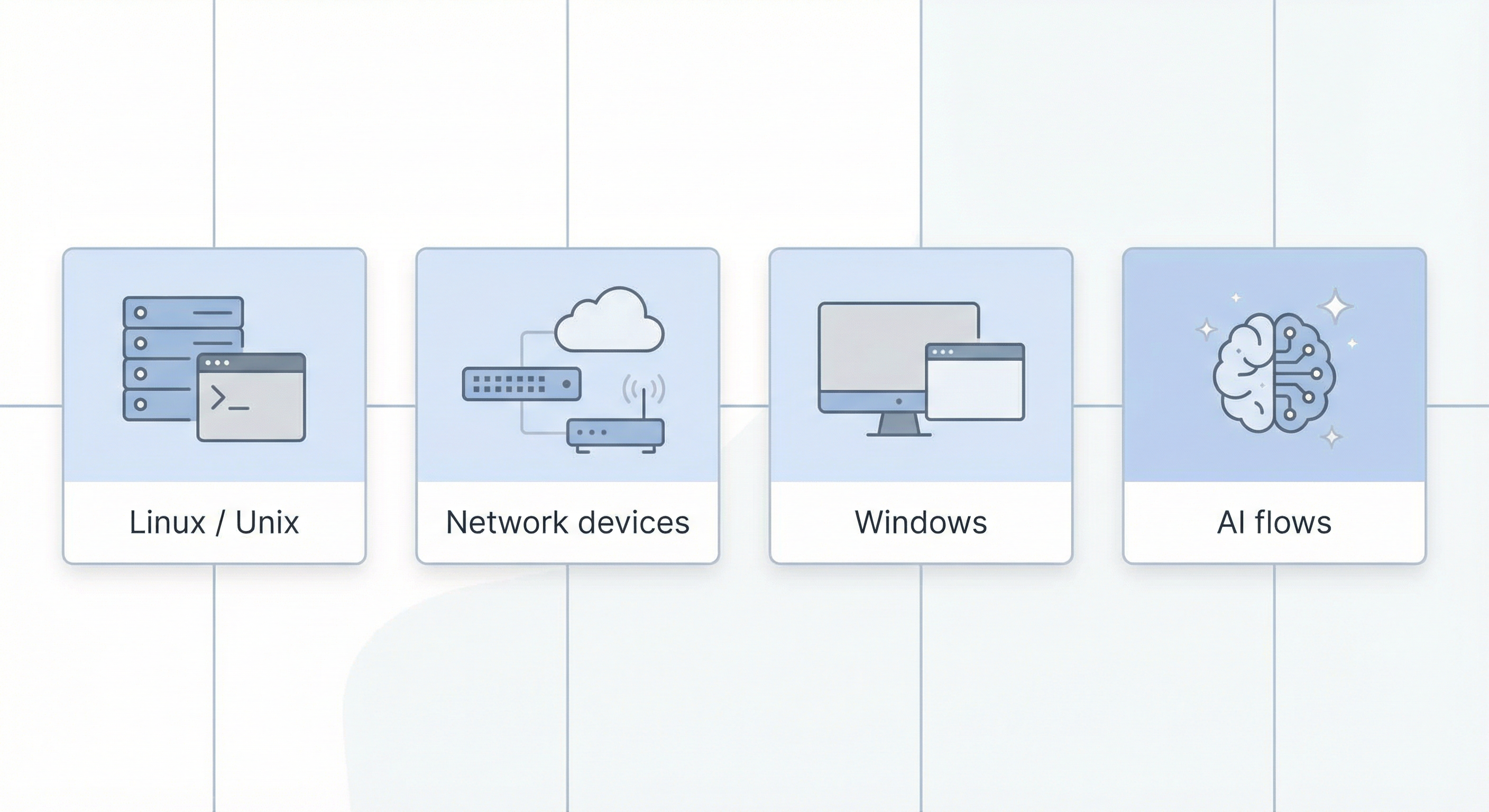
Linux, Unix, AIX, Solaris
For Linux and Unix-style systems (including AIX and Solaris), we recommend sending syslog to the Secure60 collector. This gives you a single, consistent path for system and application logs without installing agent software on every host. The collector accepts standard syslog formats and normalizes events into the Secure60 data model.
Next step: See the Linux Server - Integration Guide for detailed configuration steps, including TLS and rsyslog setup.
Network devices (Cisco, Palo Alto, Checkpoint, Fortigate, and others)
Firewalls, routers, and other network devices typically support syslog and/or flow export. We recommend sending syslog to the Secure60 collector for log-based visibility. For traffic and flow analysis, we also support NetFlow and sFlow ingestion via a dedicated processor that forwards normalized flow data to the collector.
Next steps:
- Configure your devices to send syslog to your Secure60 collector (same approach as for Linux).
- For NetFlow/sFlow: see the Secure60 Netflow Processor documentation for deployment and configuration.
Windows devices
We support both agent-based and agentless Windows integration using Secure60-native components. Choose the option that fits your environment and change-management preferences.
| Option | Description | Documentation |
|---|---|---|
| Agent | A lightweight Windows service that reads event logs and sends them to the Secure60 collector. Ideal when you can install software on each Windows host. | Secure60 Win Log Agent |
| Agentless | Windows Event Forwarding: Windows hosts send events directly to a Secure60 receiver with no agent installed. Suited to environments where you prefer central configuration (e.g. Group Policy). | Secure60 Windows Log Receiver |
Other options for Windows
If you prefer to use existing tooling instead of the Secure60 agent or receiver, we document these alternatives:
- Windows Server - NXLog Integration Guide — Use NXLog to collect and forward Windows event logs to the Secure60 collector.
- Winlogbeat - Integration Guide — Use Elastic Winlogbeat to ship Windows events to Secure60.
AI data flows
Secure60 supports active protection and audit logging for AI and LLM traffic. The Secure60 AI Protector acts as a gateway in front of your AI backends: it evaluates requests and responses against policy (e.g. PII, secrets, jailbreak checks) and emits a structured audit trail that can be ingested into Secure60 for search, alerting, and compliance.
Next step: See Secure60 AI Protector for deployment, configuration, and audit output details.
For help at any stage, reach out to the Secure60 integrations team.
 Back to top